Canyon Creative Operations System
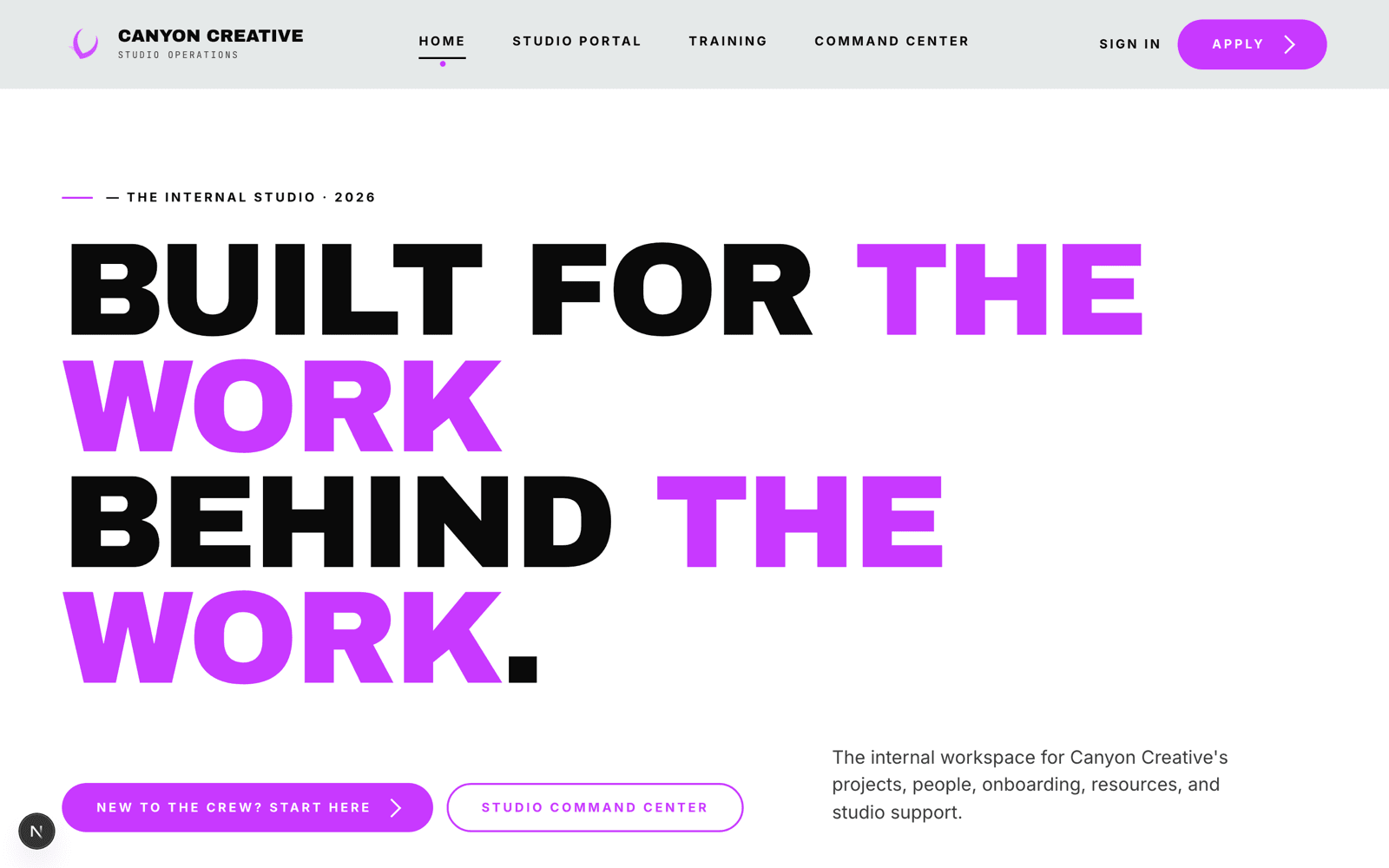
Canyon Creative is a student-run creative studio at Grand Canyon University. Its creative director — also a professor — was personally onboarding every new student worker and manually tracking every project. The platform gives the studio one place to do both.
- Role
- Product Designer & Developer
- Timeline
- May 2026 — ongoing
- Type
- Product Design
- Tools
- Figma, Next.js, TypeScript, Supabase
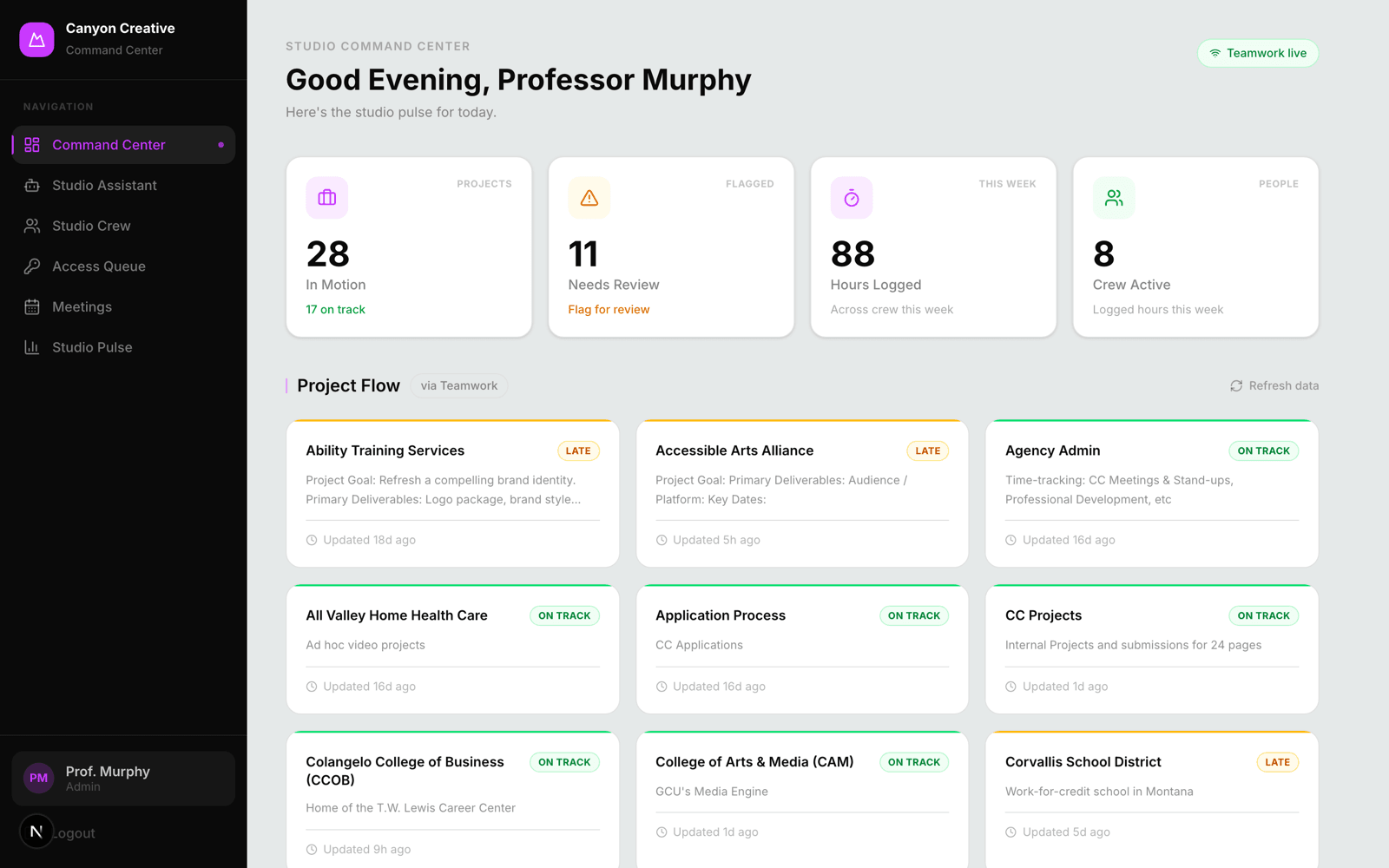
An internal operations platform for a student-run creative studio — one calm place for the two jobs quietly consuming the director's week: onboarding student workers and tracking project health.
- Role
- Designer & Developer
- Timeline
- May 2026 — ongoing
- Type
- Product Design
- Built with
- Next.js · Supabase
- Outcome
- Self-serve, role-aware onboarding that turns a 1–2 hour manual task into a background step — without removing a single point of human judgment.
One person was the system
Canyon Creative runs on good tools that don't talk to each other — Teamwork, Google Workspace, Slite, Slack. The creative director, already teaching a full load, had become the studio's manual integration layer: onboarding every worker by hand and tracking every project's status across five places.
The cost was repetition, not difficulty
I didn't start in Figma. I mapped how onboarding and project tracking actually happened — which tool, which step, where the time went. Three patterns drove every decision after.
Repetition was the pain
No single step was hard. The cost was doing all of them, identically, every time, by hand.
Role determines everything
A designer, video editor, and web developer need different accounts, tools, mentors, and first tasks. One-size onboarding forces everyone to filter noise.
Trust is the real requirement
A studio's projects and accounts are its livelihood. Any tool touching them has to feel safe — predictable, reviewable, impossible to misuse.
Four lines I designed against
The brief was deliberately modest: onboard five students in the time it takes to onboard one — with better consistency, and without removing a single point of human judgment. Not an autonomous AI product. Not a Teamwork replacement.
- 1
The platform never holds the keys
Google Workspace accounts are created through an admin-supervised workflow. The system never stores passwords and never acts autonomously.
- 2
Read for data, write only to provision
Projects, tasks, and finances stay read-only — the platform shows the source of truth but can never corrupt it. The one write path is provisioning a new worker. That's the write that scales onboarding.
- 3
Human-in-the-loop by default
Bulk actions follow one pattern: upload → admin review → explicit confirmation → execute. Automation drafts; the director decides.
- 4
Role-aware from the first screen
Students see only their discipline's path; the director sees everything. Role shapes the experience, it isn't bolted on after.
Two surfaces, one backbone
The platform splits cleanly into the two audiences it serves — a portal for new workers, a command center for the director — sitting on top of the studio's existing tools rather than replacing them.
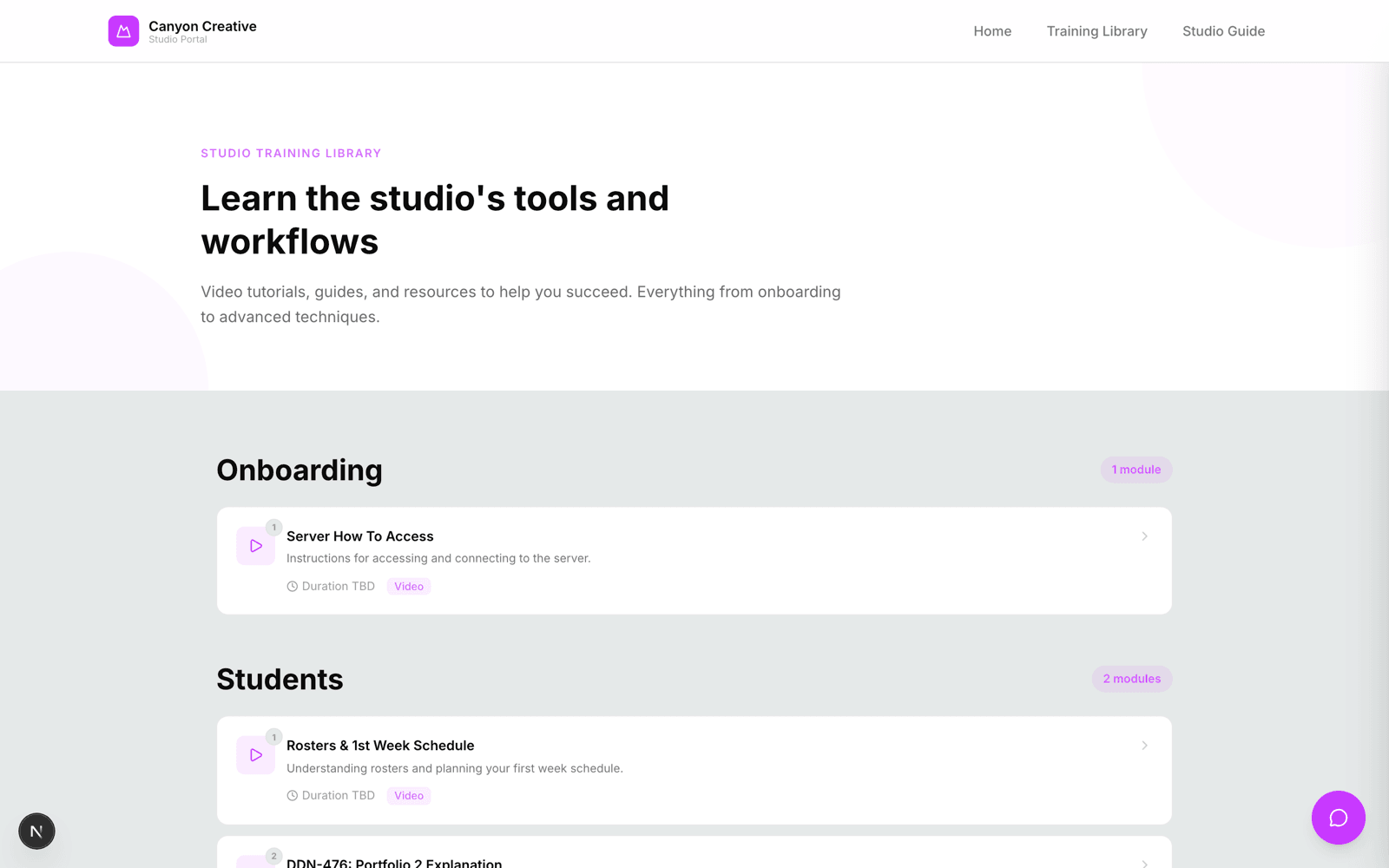
A new worker signs in to a flow scoped to their discipline, plus Studio Guide, a built-in assistant that answers onboarding questions so the same five questions a week stop landing in the director's inbox. The director gets a focused admin surface — dashboard, roster, finances, meetings — reading live Teamwork data, so "what's blocked right now?" finally has an answer.
Where it landed
70%
Target reduction in per-student onboarding time
2
Live integrations wired up: Teamwork and Google Calendar
1 tap
From worker registration to a provisioned Teamwork account
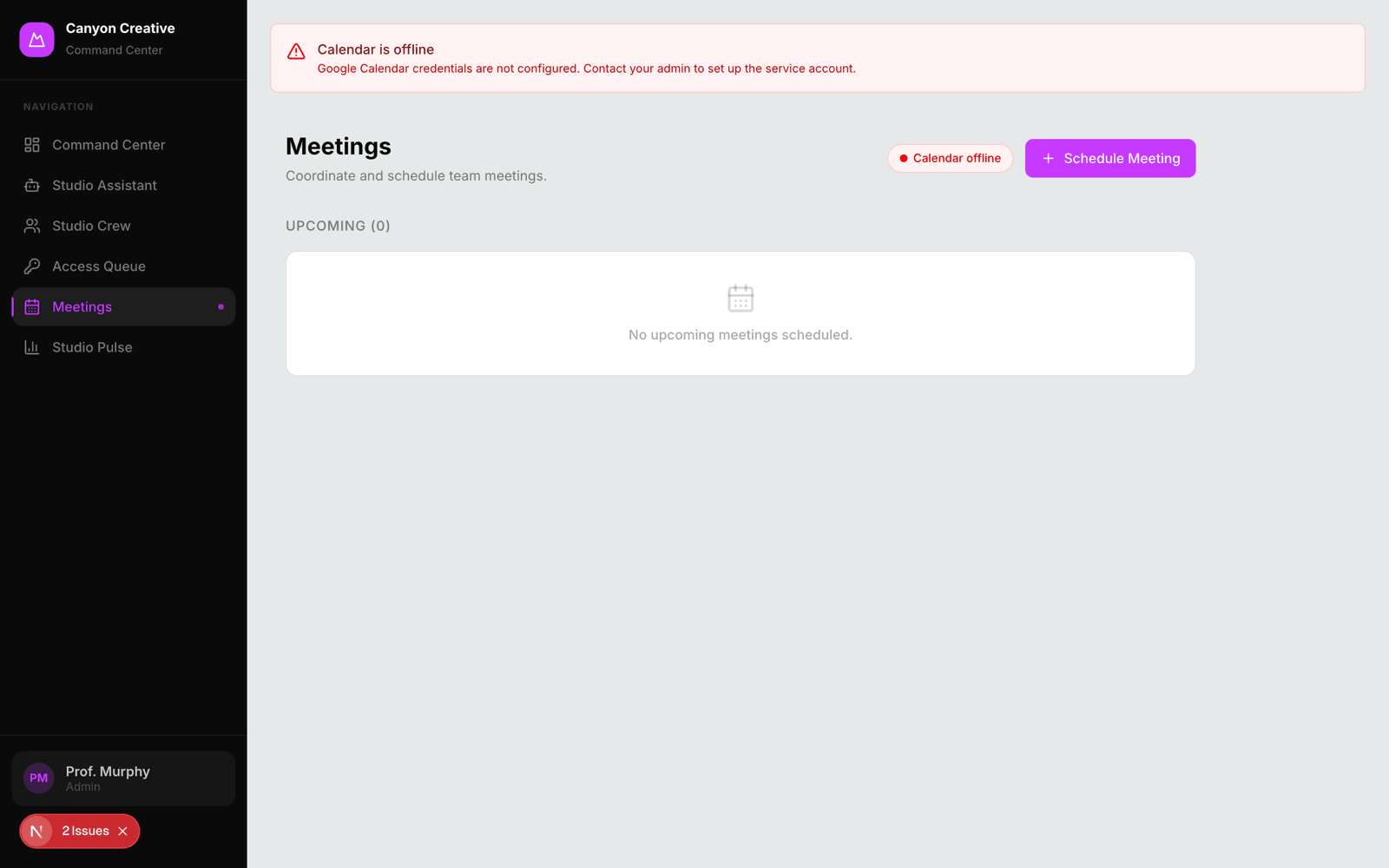
It runs end to end now: self-serve registration creates a Supabase auth user and — through the one deliberate write path — a matching Teamwork account. Roles are assigned by email domain (@my.gcu.edu → student, @gcu.edu → admin), and the admin side schedules real Google Calendar meetings without leaving the platform.
What I'd carry forward
The strongest decision was a restraint: drawing a hard line around what the platform is allowed to write. Constraining write access to exactly one purpose — provisioning — made it far more trustworthy, and trust is what gets an internal tool actually used.
For internal tools, clarity and trust outrank cleverness every time. If I revisited it, I'd run usability sessions with brand-new students earlier — watching a genuinely confused first-day worker would sharpen the onboarding pacing in ways no amount of planning can.